I've been using in my marketing work for a long time — well before I ever started contributing to this blog. I've always found to be a reliable wealth of information and a pioneer in the world of trend spotting.
But there are other trend spotting websites on the market, too, and I wanted to see how some of them stack up against my longtime favorite. In this guide, I'll walk you through the features you can find in vs. Glimpse — and give you my opinion on which tool is better based on different uses.
Should You Use or Glimpse for Trend Discovery?
Let's cut to the chase: after reviewing both and Glimpse at length, I think that is the best trend tracking tool for most people. Here's why:
- ' emerging trend data comes from multiple sources, including both online searches and traditional media
- The company curates not only lists of trending topics, but products and startups as well — along with data that's relevant to both e-commerce and investor audiences
- works in any web browser and you don't have to install any Chrome extensions to use the tool.
- All paid users get access to the full trend database, while Glimpse limits the number of trends per category that some of its paid users can see.
- costs less and gives you more data access
- is part of Semrush, so if you decide you need to do deep keyword research, you can easily add on a Semrush plan and get all of your information in one spot
I also think that makes it easier to spot trends for a very specific job or role, too. Glimpse makes you search through the entire trend list to find products, brands, or companies. When you use , you can jump right to specific reports that give you essential data. For example:
- E-commerce business owners can keep tabs on popular items across Amazon and TikTok shop using the Trending Products report
- Investors and entrepreneurs can explore other companies' structure and valuation using the Trending Startups report
- Marketers can explore how trends connect to each other using the Meta Trends analysis prepared by ' experts
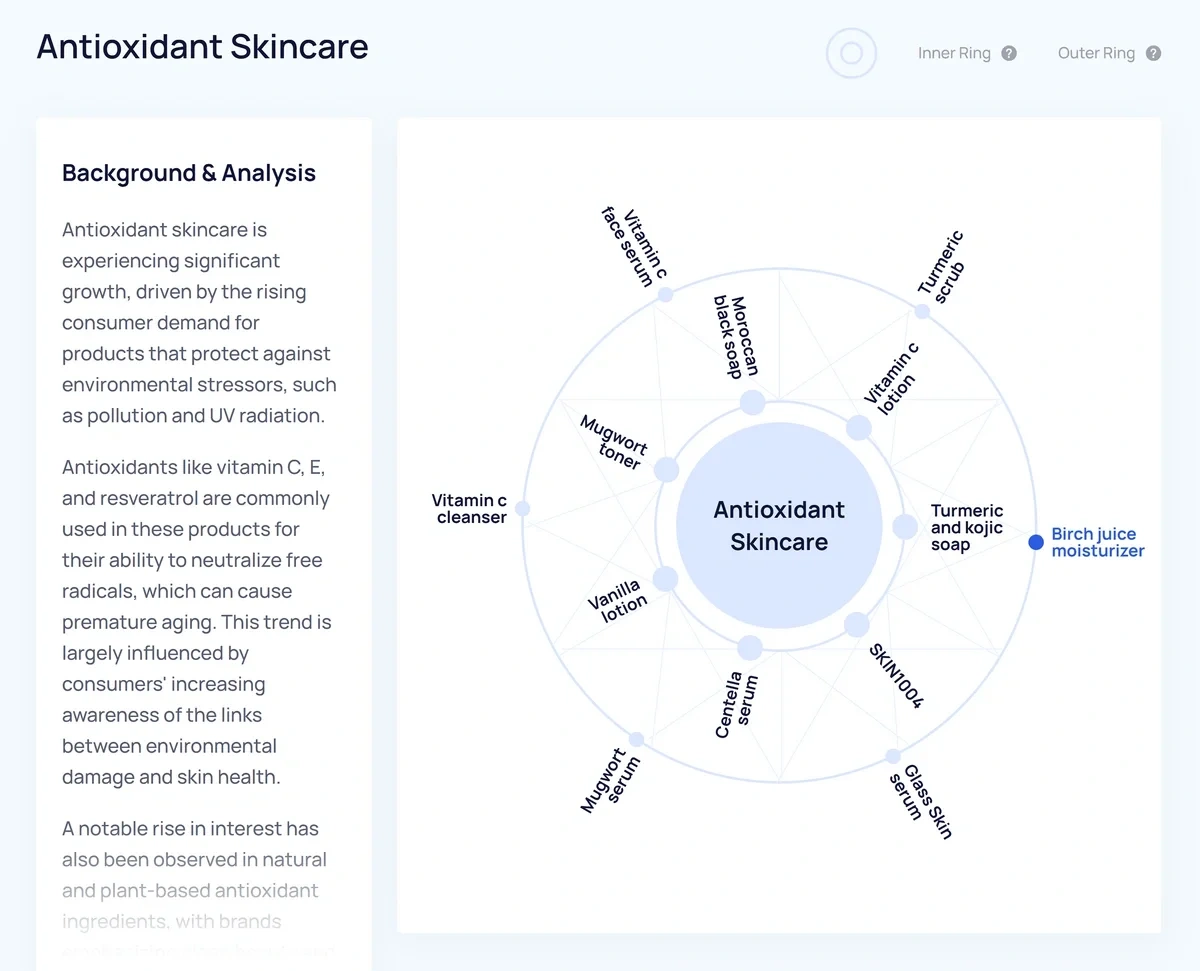
Let's take a closer look at how specific features offered by and Glimpse compare to each other.
vs Glimpse: Similarities and Differences
| Glimpse | The best option | ||
| User interface | Grid-based arrays of products, trend graphs, and other useful data; paid features are accessible through Semrush | A required Chromium browser extension that adds data and overlays to Google Trends pages | |
| Trend data sources | Social channels, Google search, podcasts, traditional media, blogs, and more | Primarily Google search with some added social platform data | |
| Search metrics | Shows average Google search volume by month | Shows average Google search volume by month and by search type (images, shopping, etc.) | Glimpse |
| Social buzz | Covers all major social media platforms and maps popularity across channels using two different types of charts | Covers all major social media platforms and maps popularity across channels in one standard chart | Tie |
| Product trends | A Trending Products report shows search, social, and sales data all in one view | No dedicated products report, allows users to filter search volume by Google Shopping queries | |
| Additional data points and features | Trending startups report, Meta Trends analysis to link topics, key signals including seasonality | Month-by-month seasonality, topic maps, location maps (pulled from Google Trends) | |
| Price | Paid plans start at $39 per month for unlimited trend database access | Paid plans start at $71 per month for limited trend database access |
User Interface
is an easy-to-use trend spotting platform that lets you access trend data in the way that works best for you.
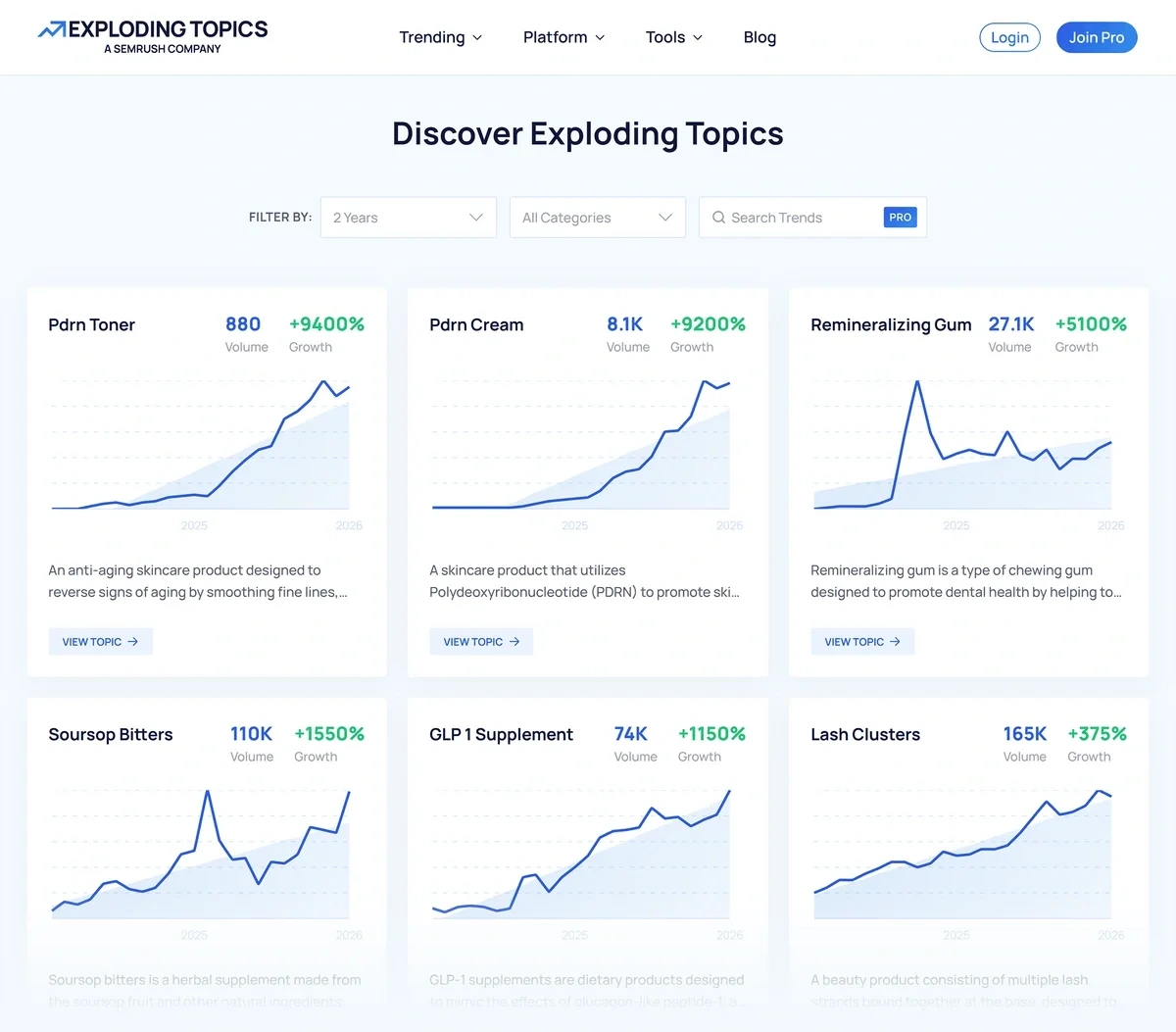
You can explore trends:
- Through the online Trend Database
- By reading prepared trend reports and Meta Trends graphs
- Via a regular trend newsletter
- Through the API
- By how popular they are on Amazon
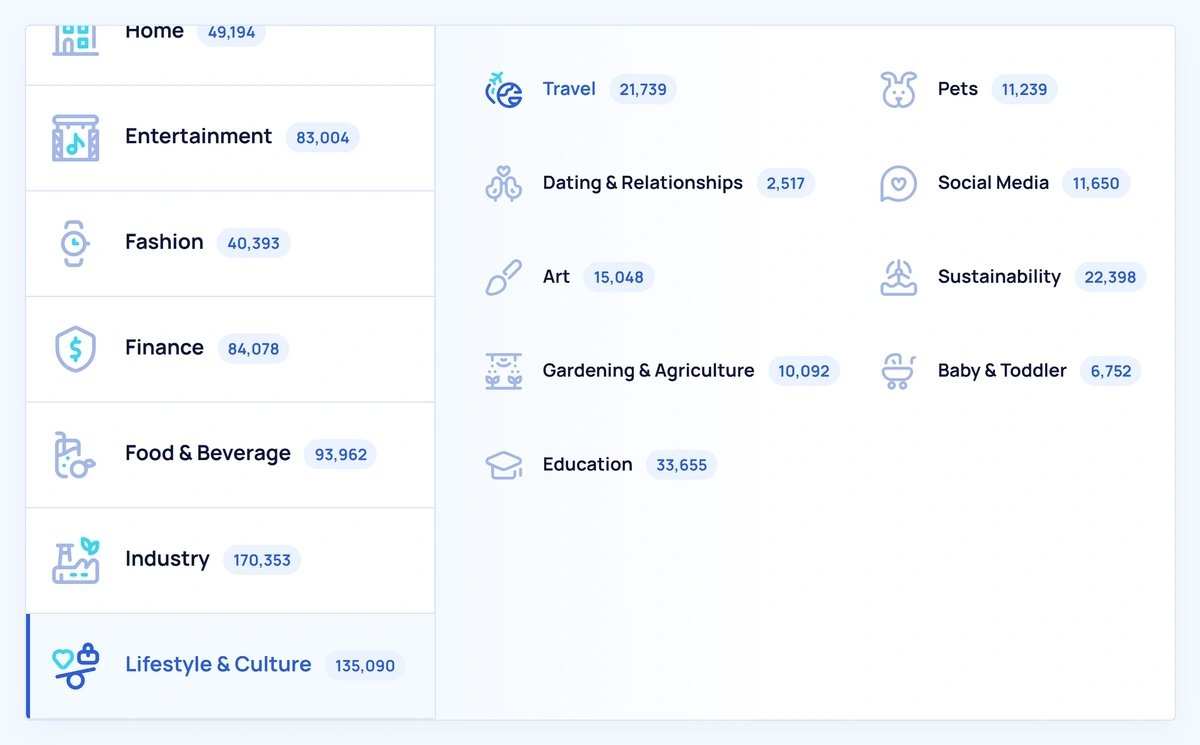
My favorite thing about is that it lets me quickly look up any interesting topic, trend, or product that I come across. I’m not limited to what’s listed in the newsletter or trend reports.
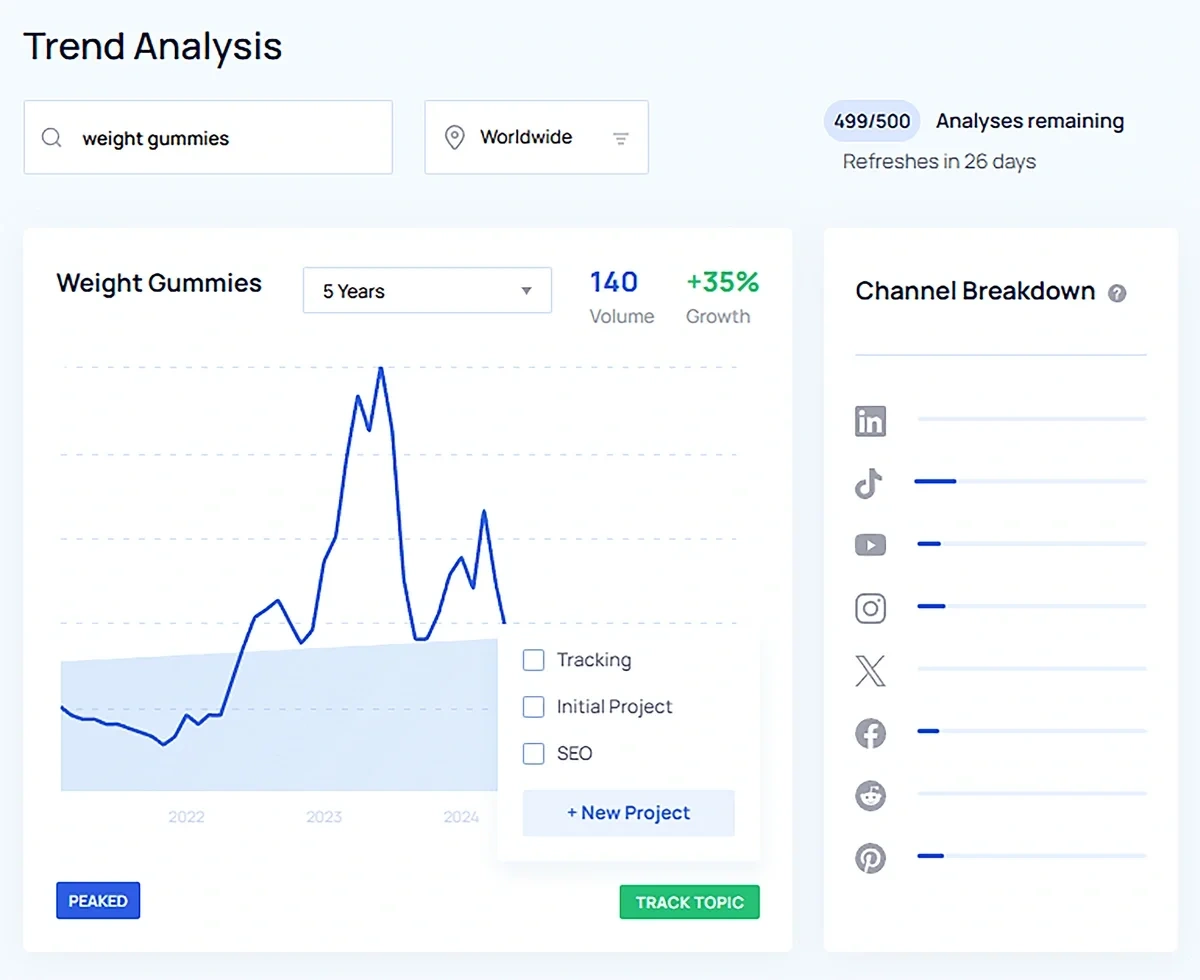
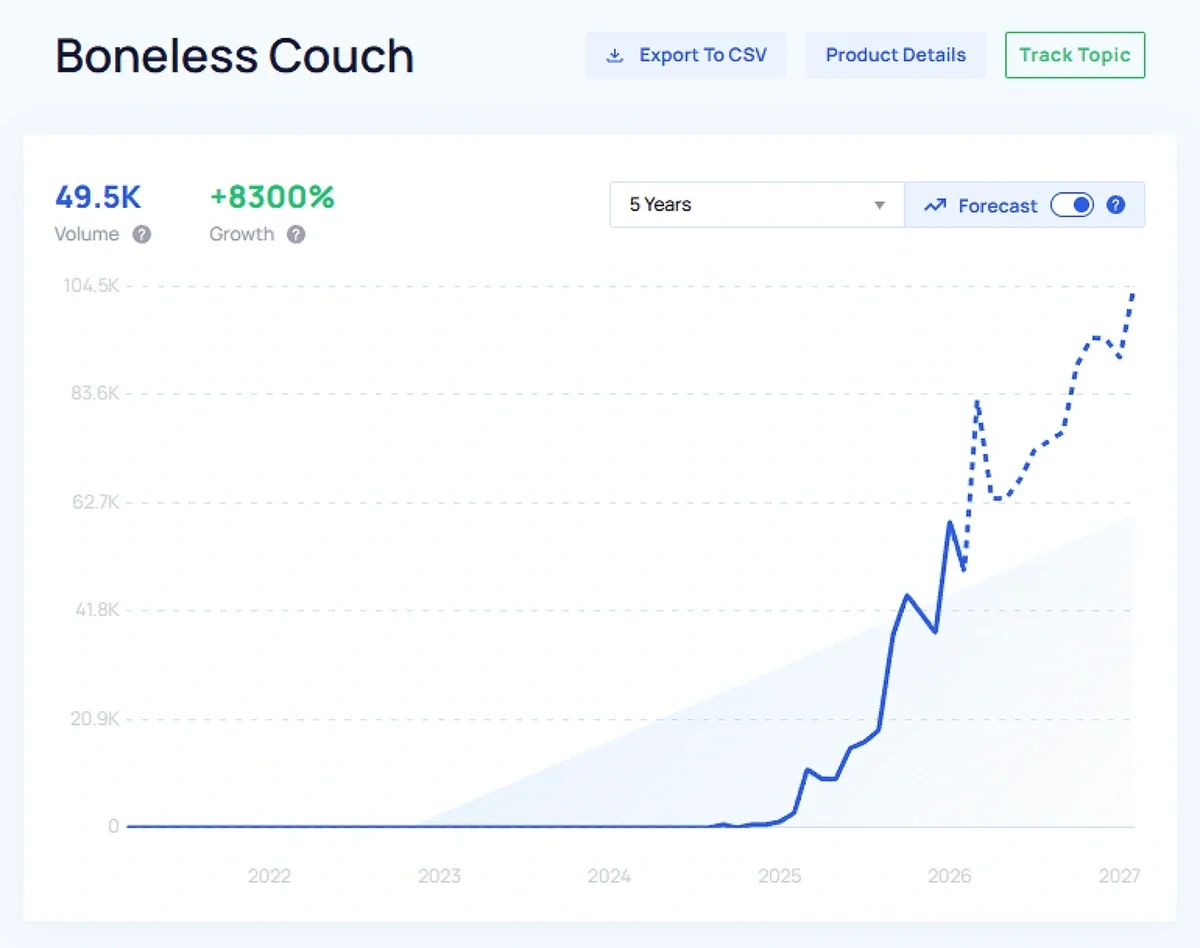
The trend detail pages provided by are very detailed and include information about trend trajectory on social media channels. You can even turn on trend forecasting to see expected changes in search interest over time.
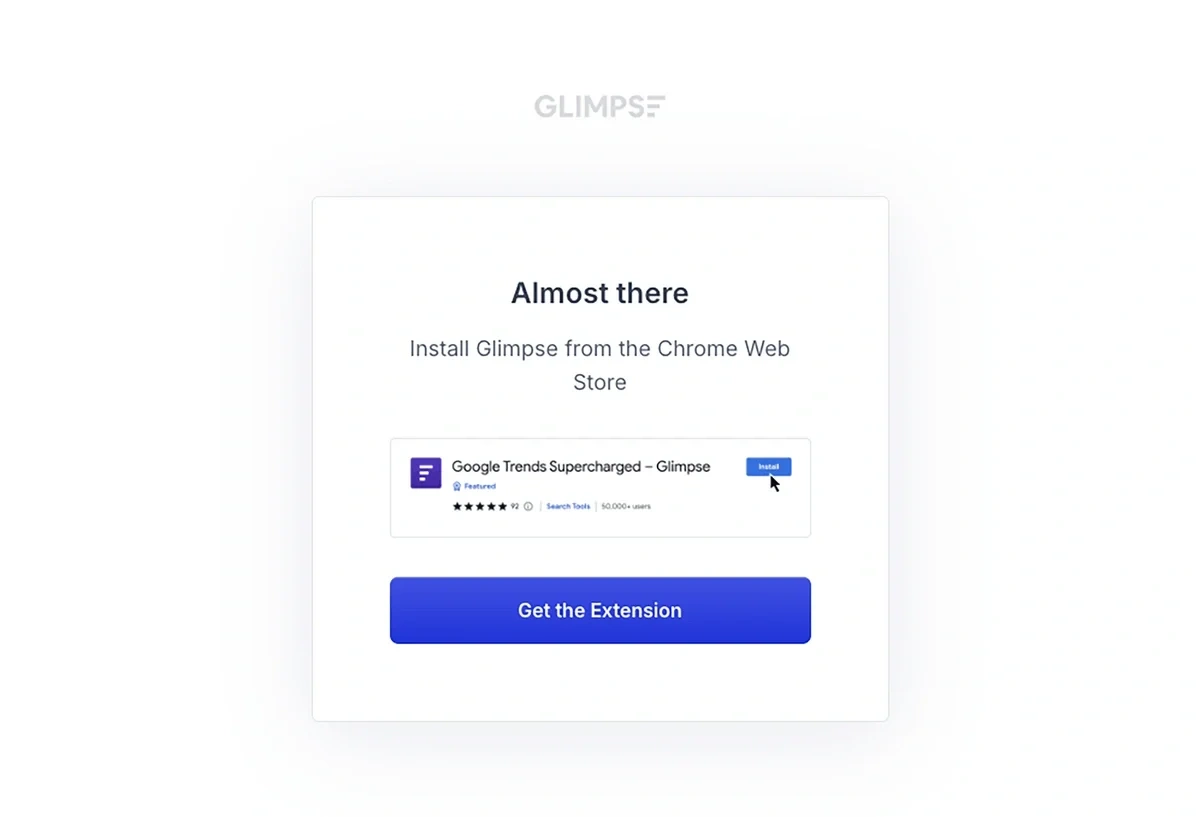
Glimpse is an alternative — a browser extension that re-skins Google Trends. When you first log into Glimpse, you'll be prompted to download the extension. This means that you have to use Glimpse in a Chromium-based browser like Google Chrome, Microsoft Edge, or Brave.
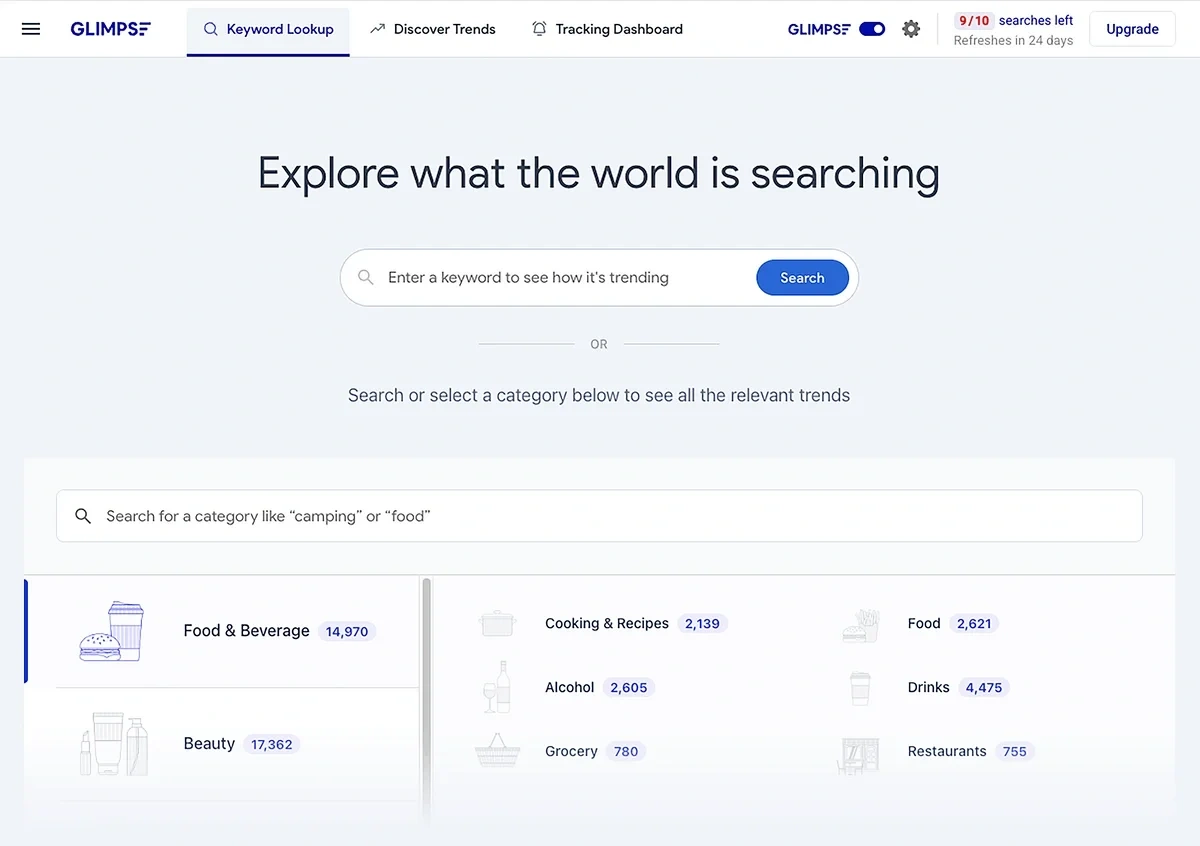
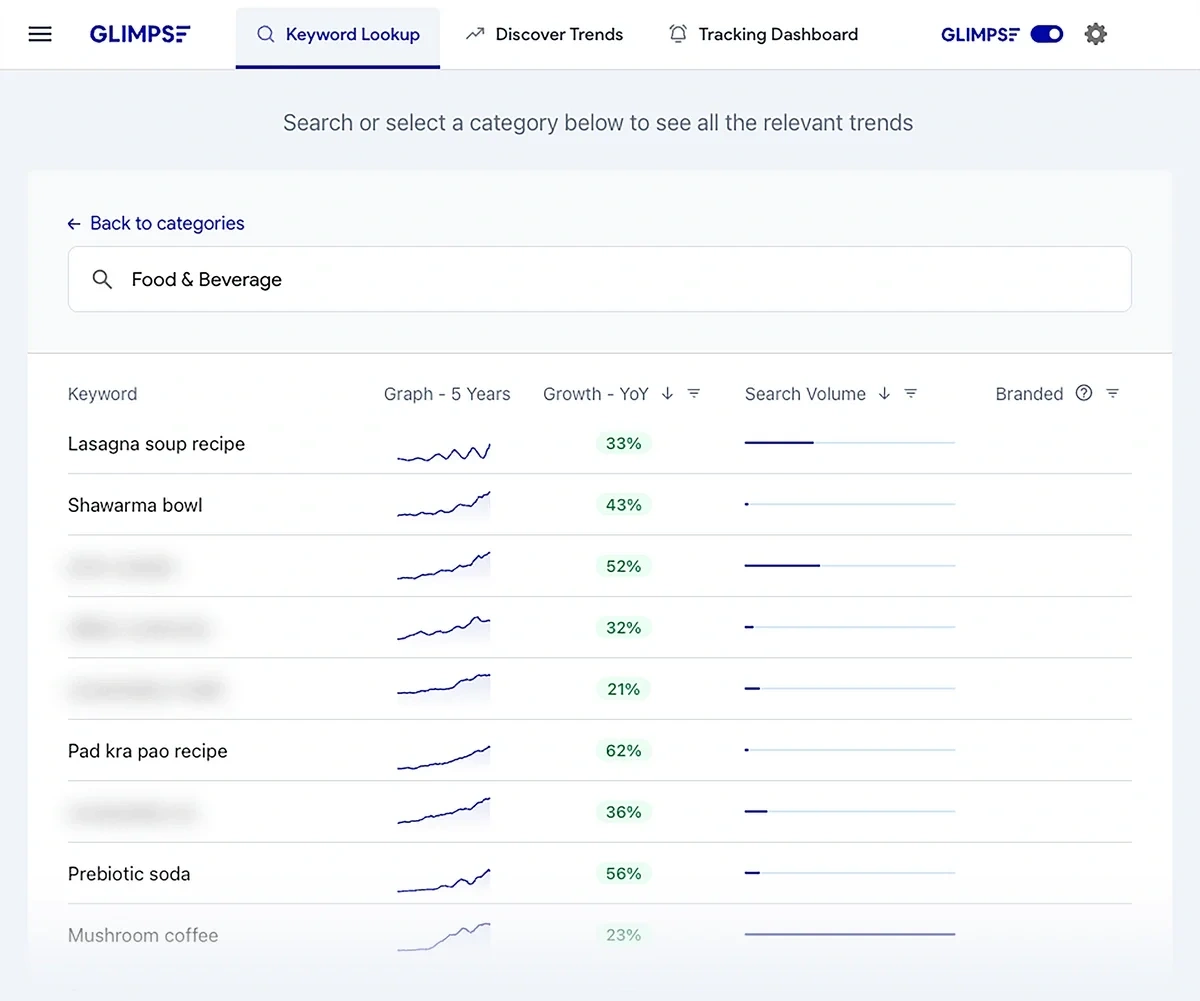
Once the extension is installed, you can proceed to Glimpse — and you'll wind up on a Google Trends page that lets you toggle the Glimpse interface on and off.
Here's what it looks like with Glimpse turned on:
And with Glimpse turned off:
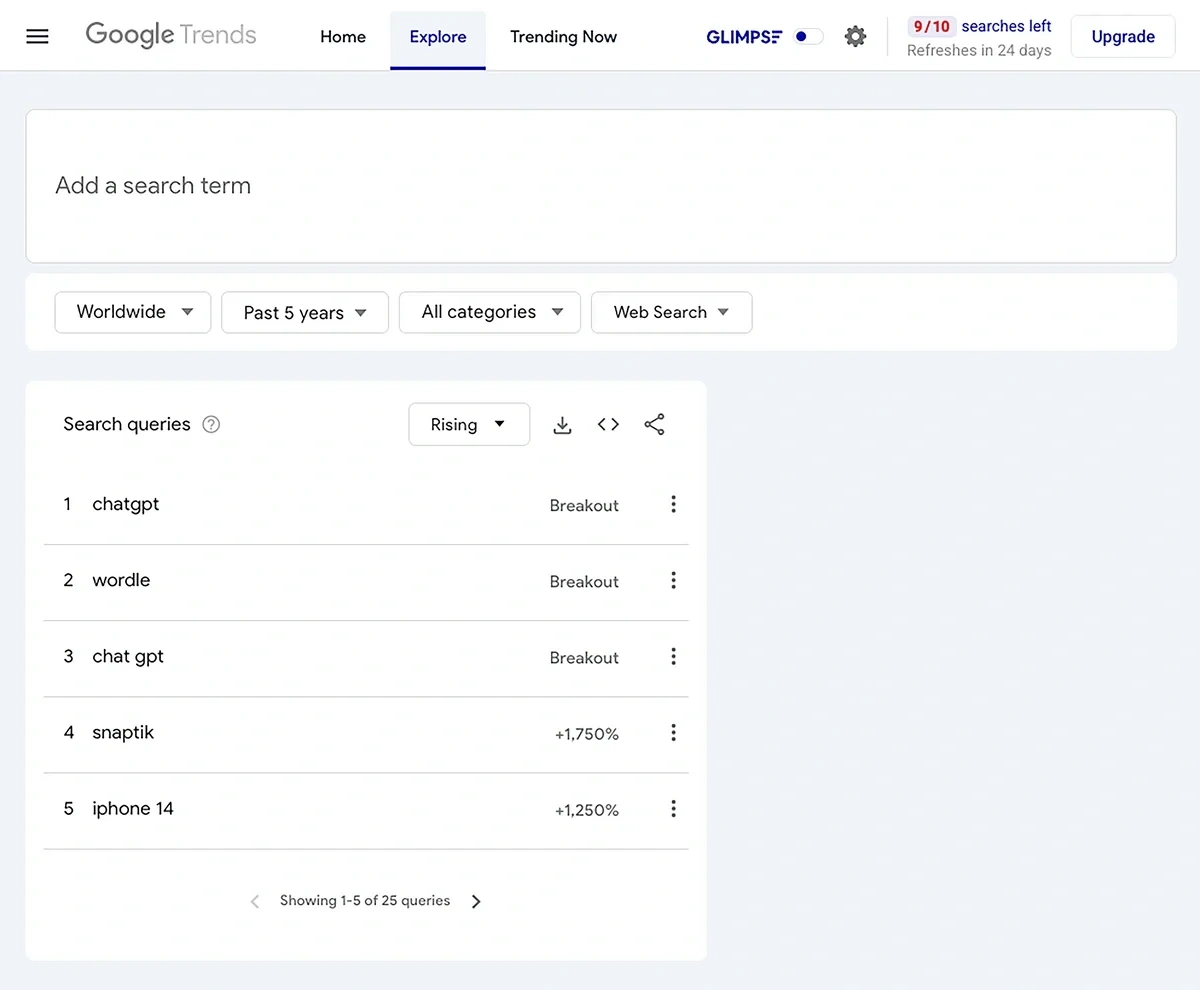
Leaving Glimpse turned on gives you an Exploding-Topics style trend browsing interface, though some of the trends will be blurred based on the type of plan you have.
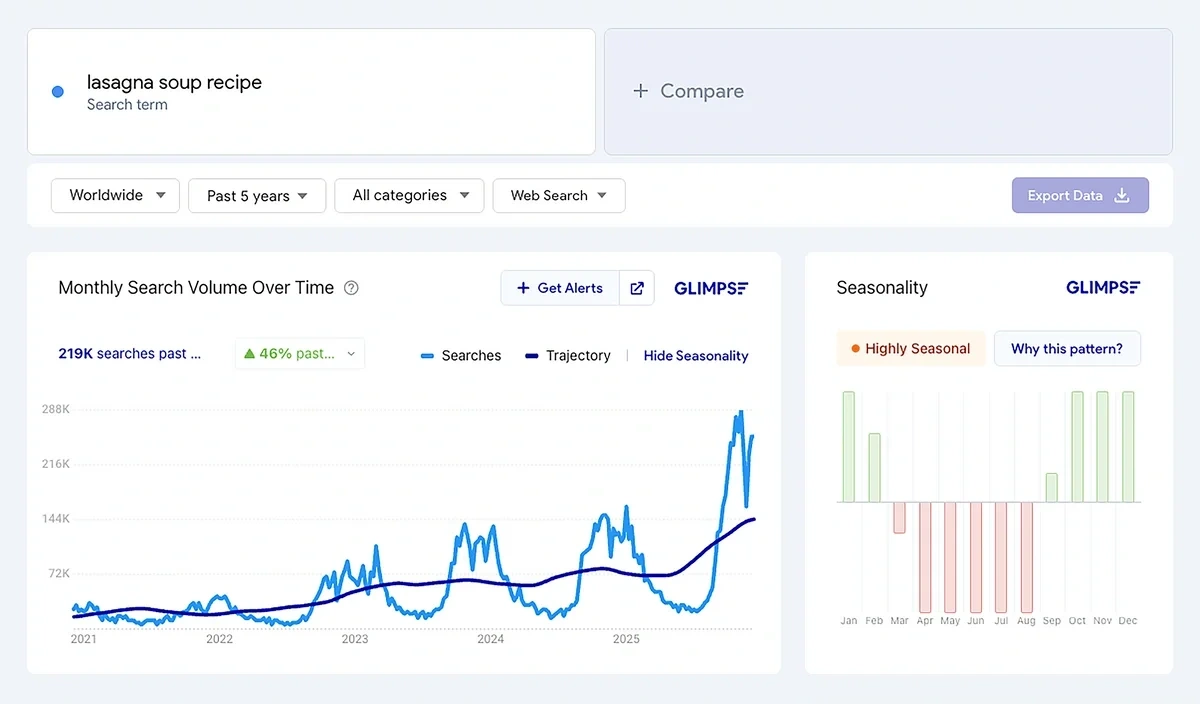
The Glimpse trend detail interface is very Google Trends-esque, though I do like the addition of a seasonality analysis that's broken down by month.
The Verdict: wins for best user interface. I like that I have multiple options for how I choose to view the data, and I can see lots of trends (and read the newsletters) without logging in. When I do log into my account, I can access in any browser via Semrush — no extensions required.
Trend Data Sources
gathers data from a variety of sources, including:
- Social media
- Search engines
- Online forums and communities
- News articles
- Blogs
- E-commerce websites
- Podcasts
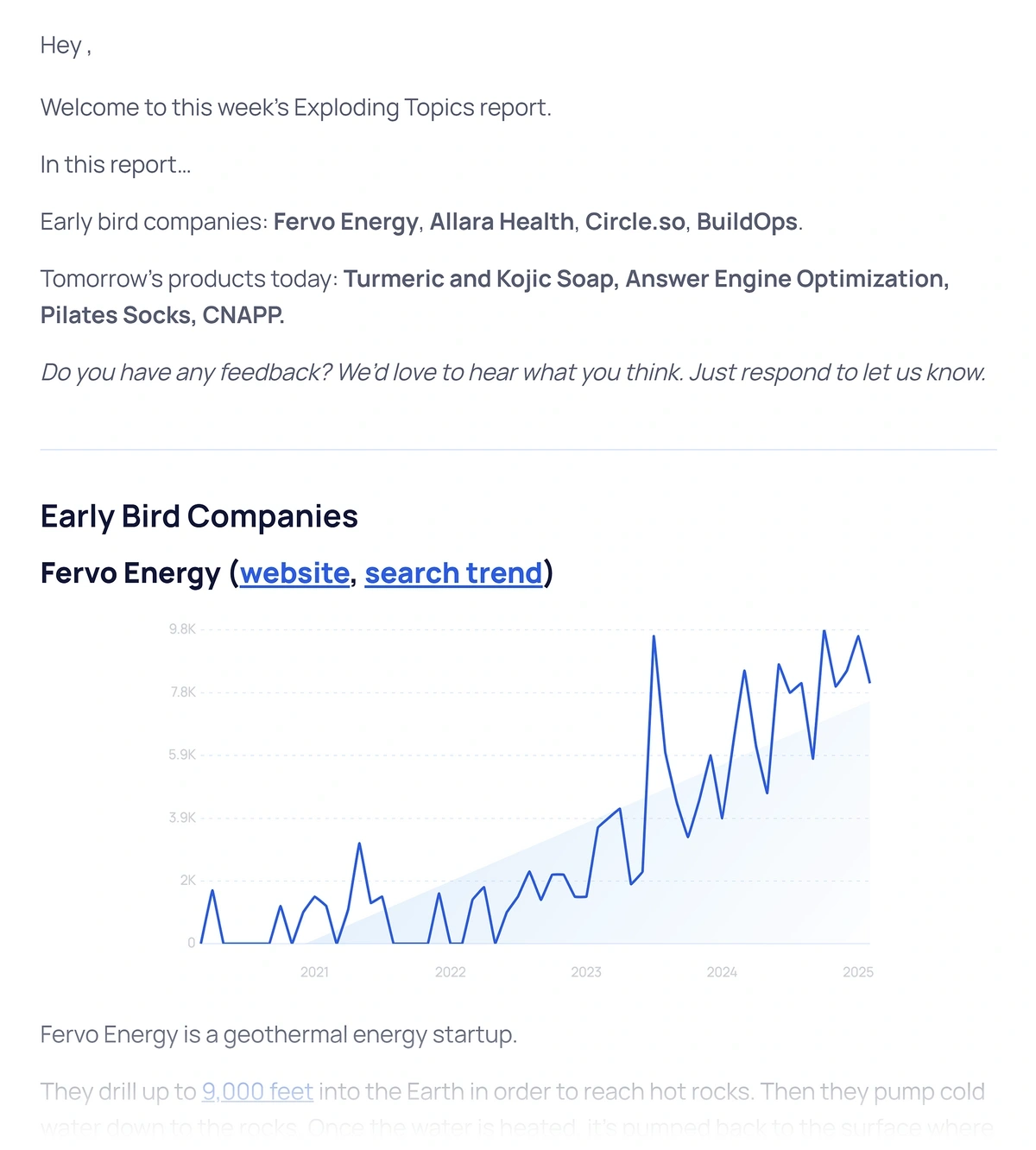
They run this quantifiable trend data through their own machine learning models to analyze historical trends, develop forecasts, and spot what's about to explode in popularity. ' methodology isn't entirely computer-driven, though — there are human data analysis experts who review trend findings, filter out fads, and provide qualitative insights.
Glimpse pulls a lot of its data from Google Trends but supplements these metrics with information from social media channels and other online sources. Like , Glimpse reviews their data to remove unnecessary noise and create forecasts.
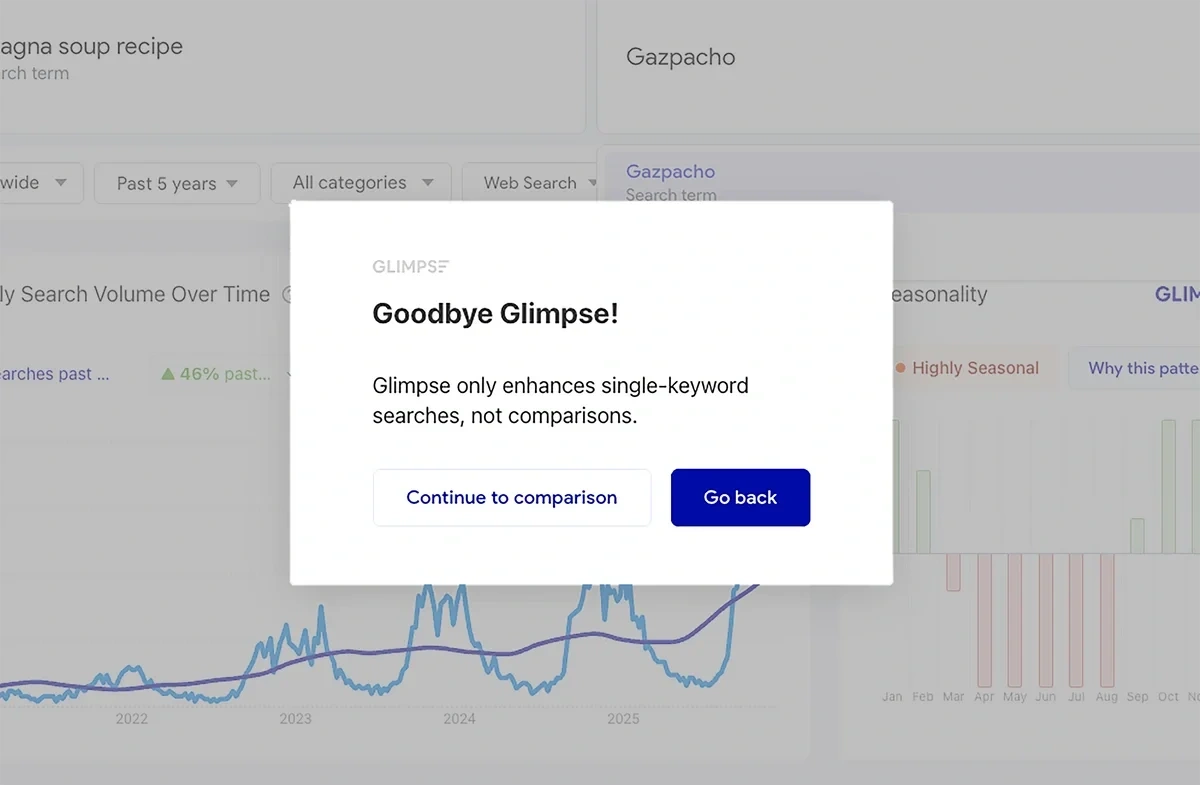
The extra data that Glimpse gathers applies to single trend analysis. If you try to do a trend comparison, you'll be redirected to the standard Google Trends interface.
The Verdict: ' inclusion of TikTok and Amazon sales data gives it the edge here — no matter where you sell or market your products, or what companies you're interested in tracking, helps you find the right data points.
Search Metrics
Both and Glimpse also let you see the search volume associated with specific trends.
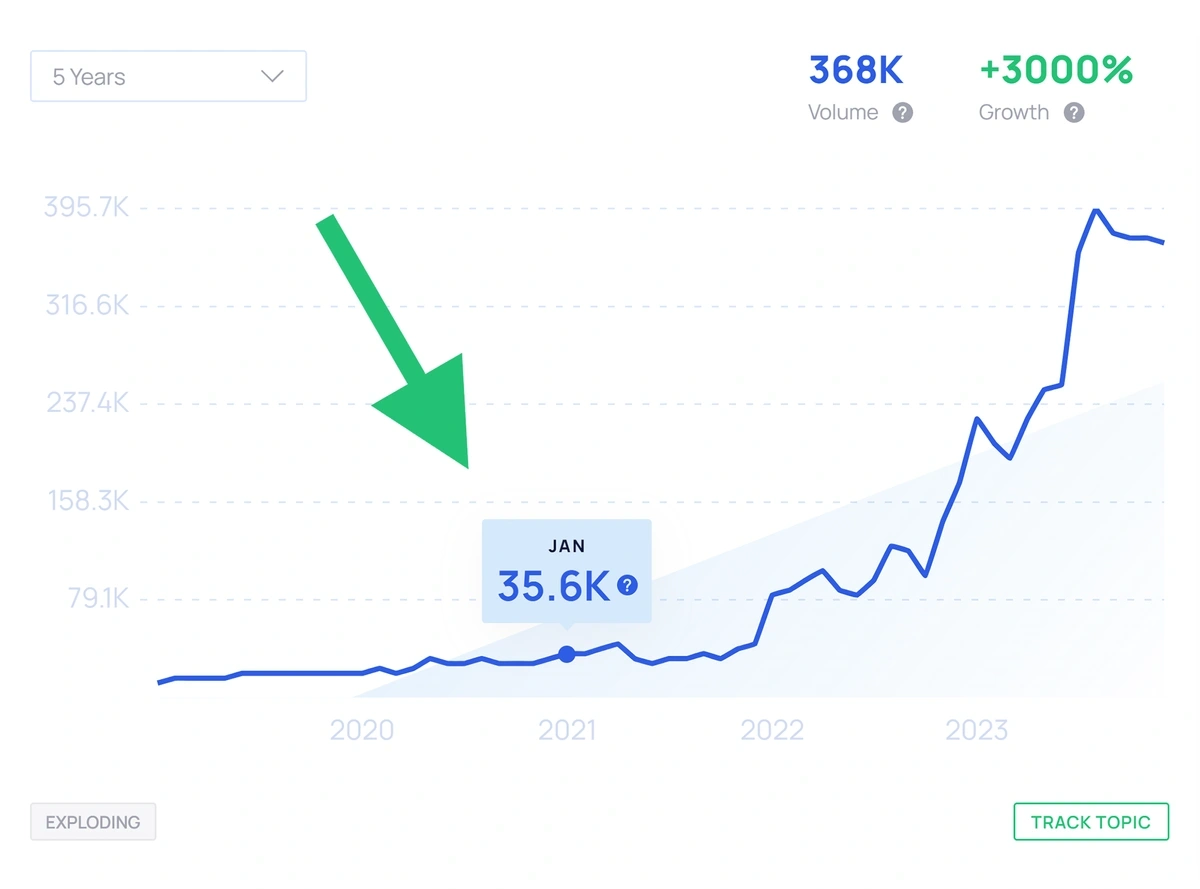
displays search volume as a single number in the corner of every trend graph, and you can view past search levels by hovering over the points on the line graph.
Glimpse shows you current keyword volume and how much it's changed in recent months. You can also change the graph to show you volume for different types of searches, such as image searches, Google Shopping searches, and more.
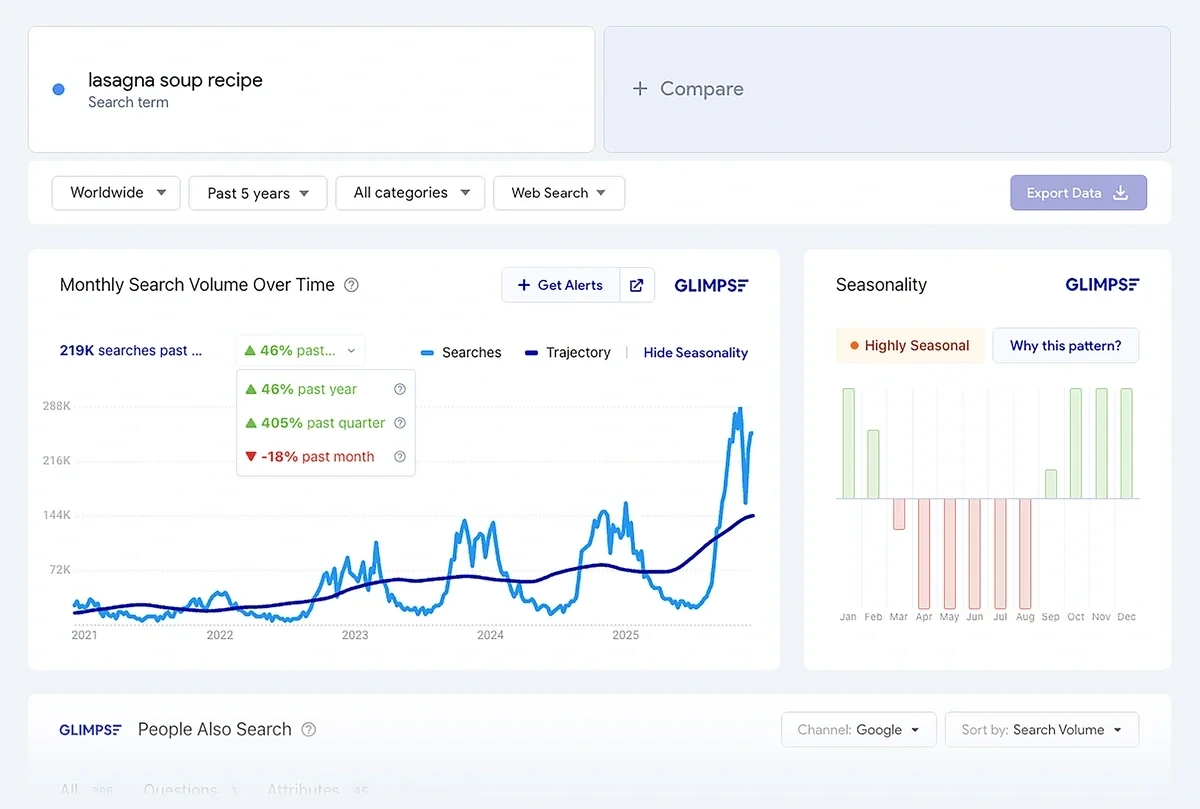
The Verdict: Glimpse offers the most detailed search volume information directly in the trend interface. If you combine with a Semrush subscription, you can go even deeper into search metrics — but for simple basics presented alongside a trend graph, Glimpse wins.
[cal:rank_time]
Social Buzz
Of course, Google search isn't the only way that products and topics gain traction — social media trends are a big driver of interest and sales. You can find data about topic performance on social media when using both and Glimpse.
illustrates trend popularity across social media channels using two distinct graphs. You can also see a summary of key indicators, including seasonality (though not as detailed in Glimpse) alongside the social network breakdown.
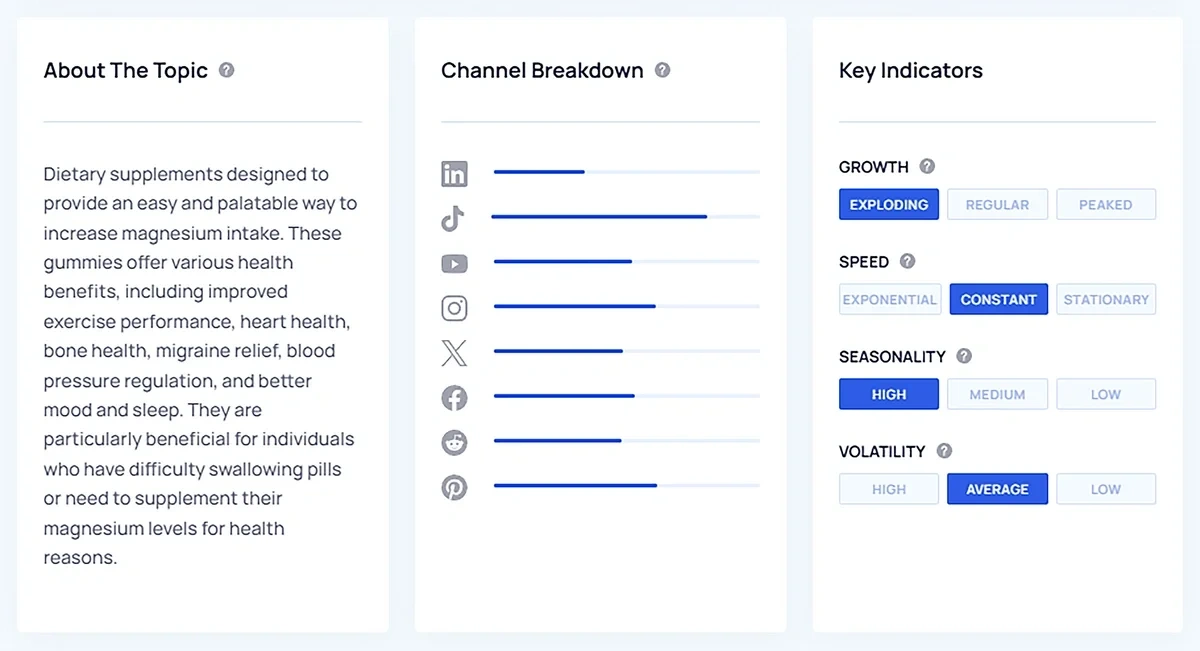
If you're using to research e-commerce trends, you can see additional insights about TikTok performance as well.
Glimpse shows social channel interest in a similar format to , with longer bars representing more interest in the topic on a given platform.
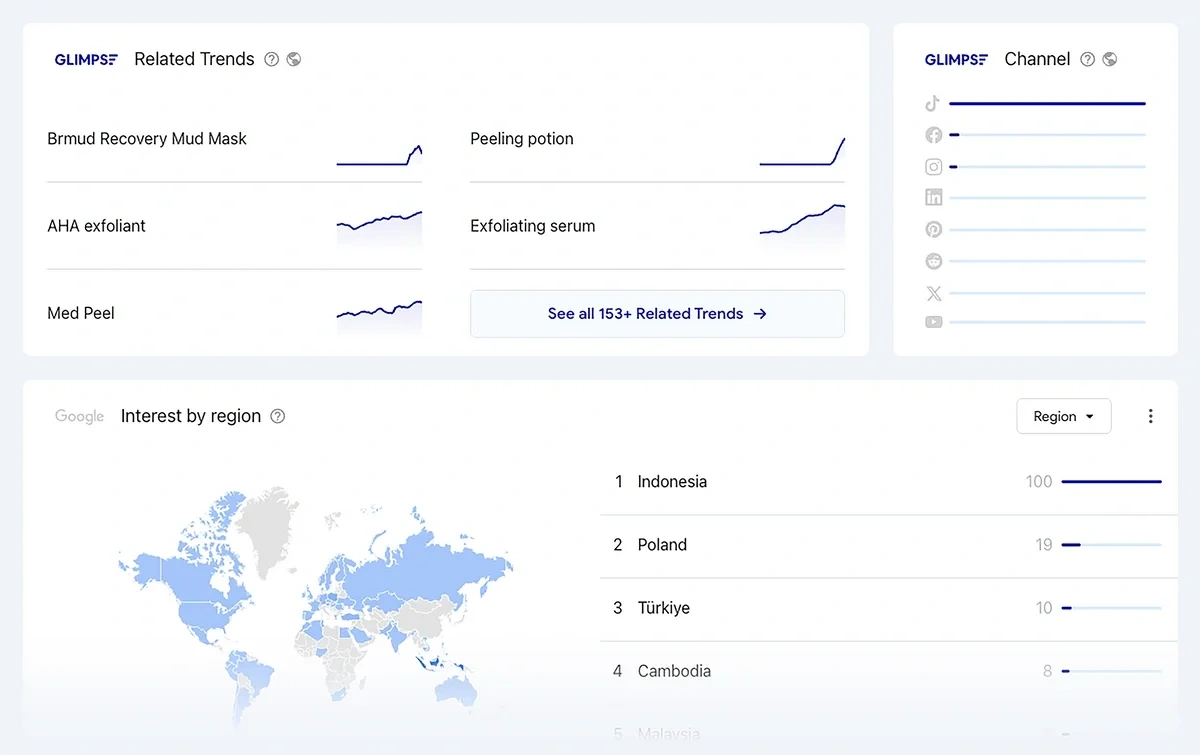
The Verdict: It's a tie. and Glimpse present social channel data in comparable ways.
Product Trends
allows you to look up single products, browse brands and products by category, or focus on only sellable goods using the Trending Products database.
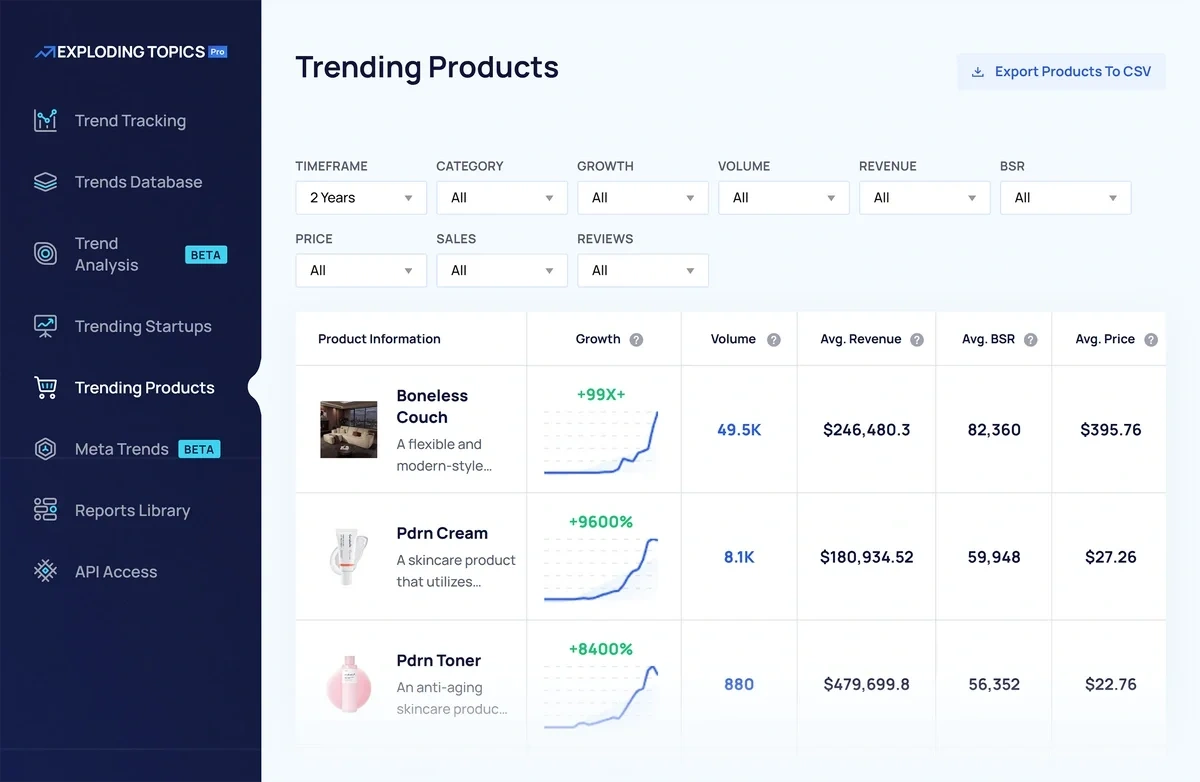
You also can easily click through to see any product detail page and read an expert analysis of what the product is and what trends it's linked to.
I like that offers this standalone Trending Products report, as it allows me to hone in on product performance across TikTok and Amazon — even if I'm not planning on selling through those platforms, it gives me an idea of what consumers are interested in.
Glimpse doesn't offer dedicated product reports like . To see e-commerce product trends, you'll need to browse through the trends in your target industry and pick out products from other topics.
Once you find products, you can then adjust the Glimpse trend data page to show you Google Shopping volume instead of overall search volume.
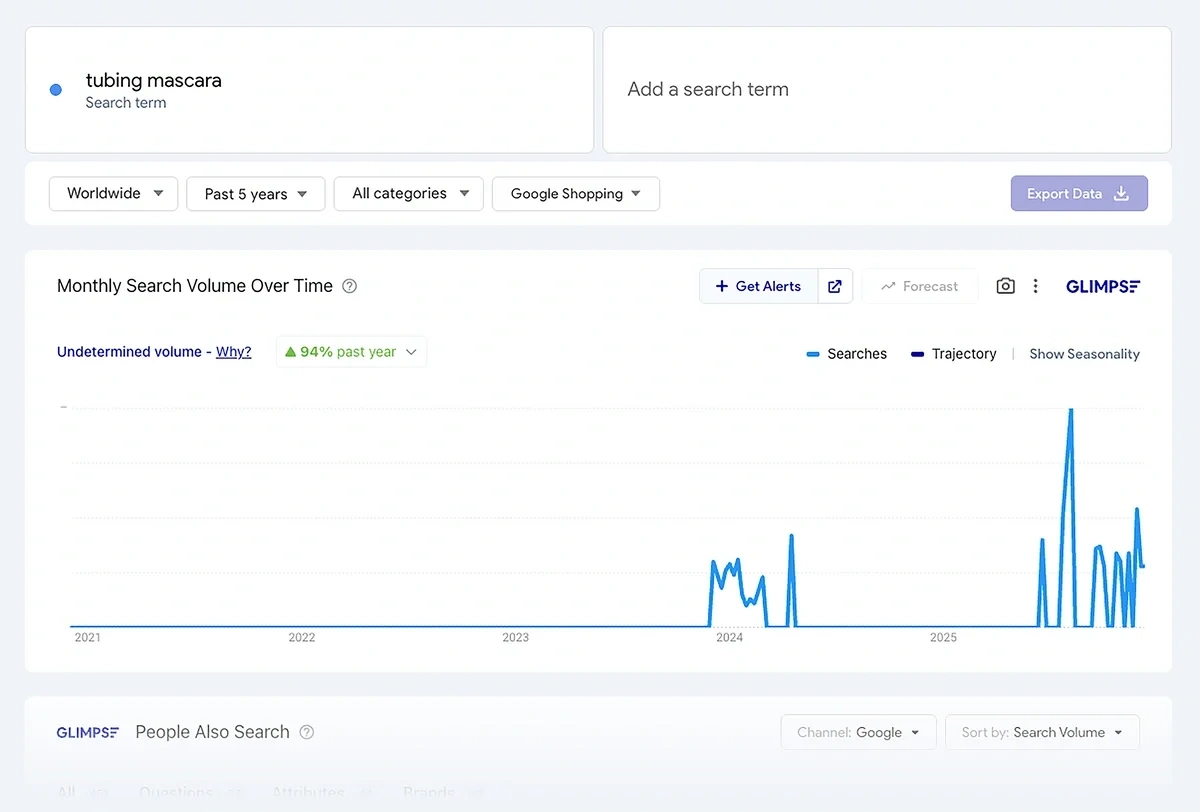
The Verdict: is the best tool for analyzing e-commerce product trends. Its dedicated product reports with Amazon and TikTok shop data are extremely useful for sellers.
Price
has a generous free tier that lets you subscribe to newsletters and browse many of the trends on the website for free, no login required. If you want to see full trend detail pages, product reports, Meta Trends graphs, and more, you'll need to subscribe to Pro. Plans start at $39 per month.
Glimpse allows free users to look up 10 terms per month, though many of the trends in Glimpse's industry list are blurred out until you upgrade. Paid plans start at $71 per month when billed annually.
Here's how the entry-level paid tier on each plan compares; all listed limits reset monthly unless otherwise noted:
| Glimpse | ||
| Plan name | Entrepreneur | Pro |
| Monthly cost | $39 | $71 (billed annually) |
| Access to the full trend database? | Yes | No — you can only see 12 trends per category |
| Channel popularity breakdowns per trend? | Yes | Yes |
| Number of tracked trends | 100 | 25 |
| Number of on-demand trend searches | 10 | 100 |
| Data exports? | No | Yes, 10 |
| Additional features | Trending products report, Meta Trends analysis reports | People-also-search data, Google Sheets integration, 24 trend alerts |
The Verdict: Pro gives you the most value for your subscription and lets you see every trend in the database — you aren't limited to just a few trends in every category like Glimpse.
Try the Best Trend Spotting Tool for Free
My advice? Google Trends is already free, and you don't need to pay for an overlay to explore its data further. Instead, sign up for a free seven-day trial of and get a sense for how they leverage multi-channel data and expert insights to help you identify new trends in your niche.